Areas of Life: How to Choose 5, 7, 8, 10, or 12
areas of life can be grouped in 5, 7, 8, 10, or 12 ways. Compare common frameworks, then choose a small set you can review and use each week.
By Notion Life OS by Cosmo Suite · Editorial policy
Published · 9 min read
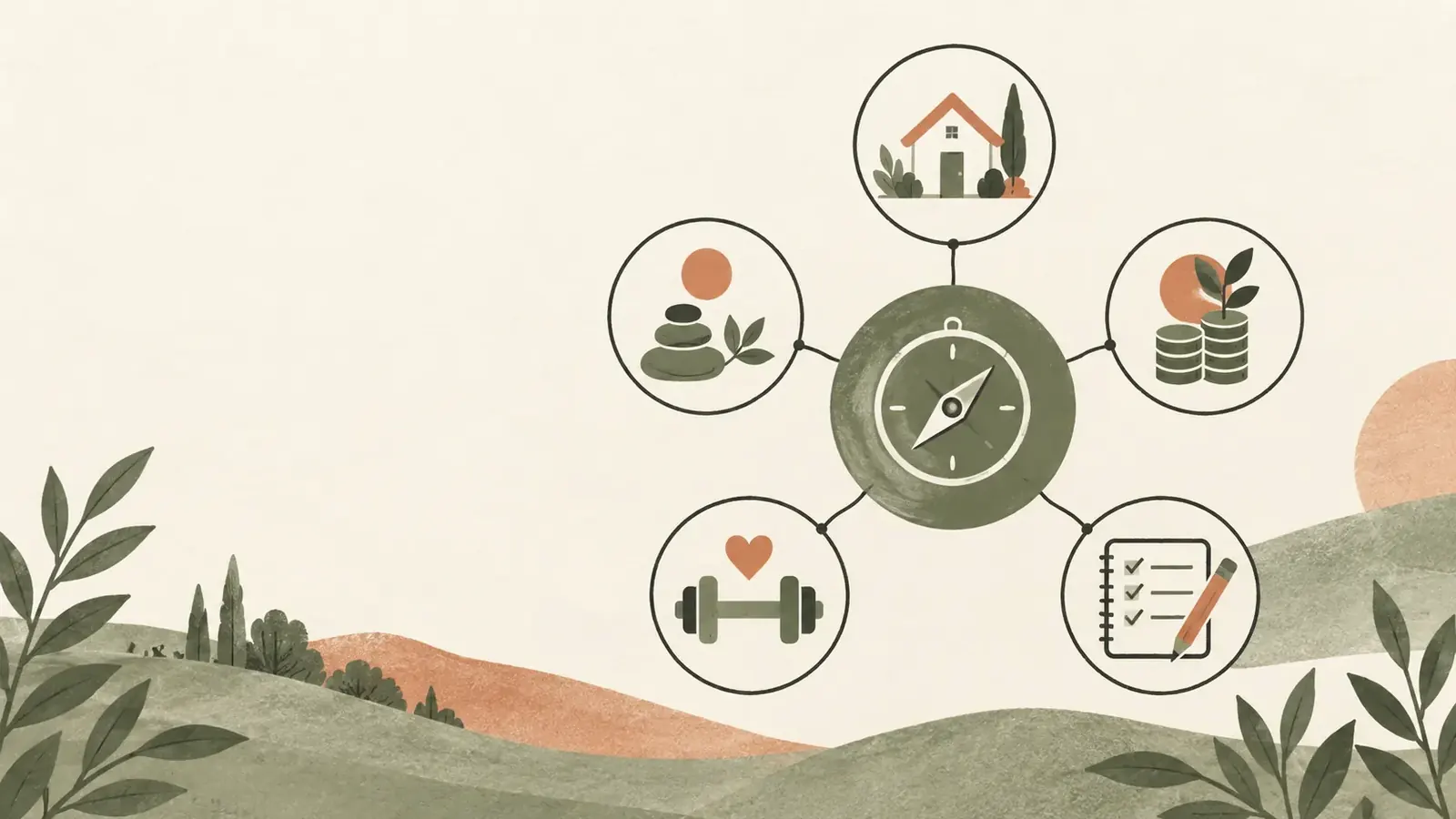
“How many areas of life should I have?” sounds as if one number should settle it. Search results offer seven, eight, ten and twelve. Each framework groups life for a different purpose, so the count changes with the exercise.
The short answer: start with five to eight practical areas, then split or combine them when the labels stop helping you decide what to review. The Government of Canada's Wheel of Life exercise uses eight areas chosen from a longer list. The UK Office for National Statistics tracks ten domains for national well-being. Neither is a universal personal template.
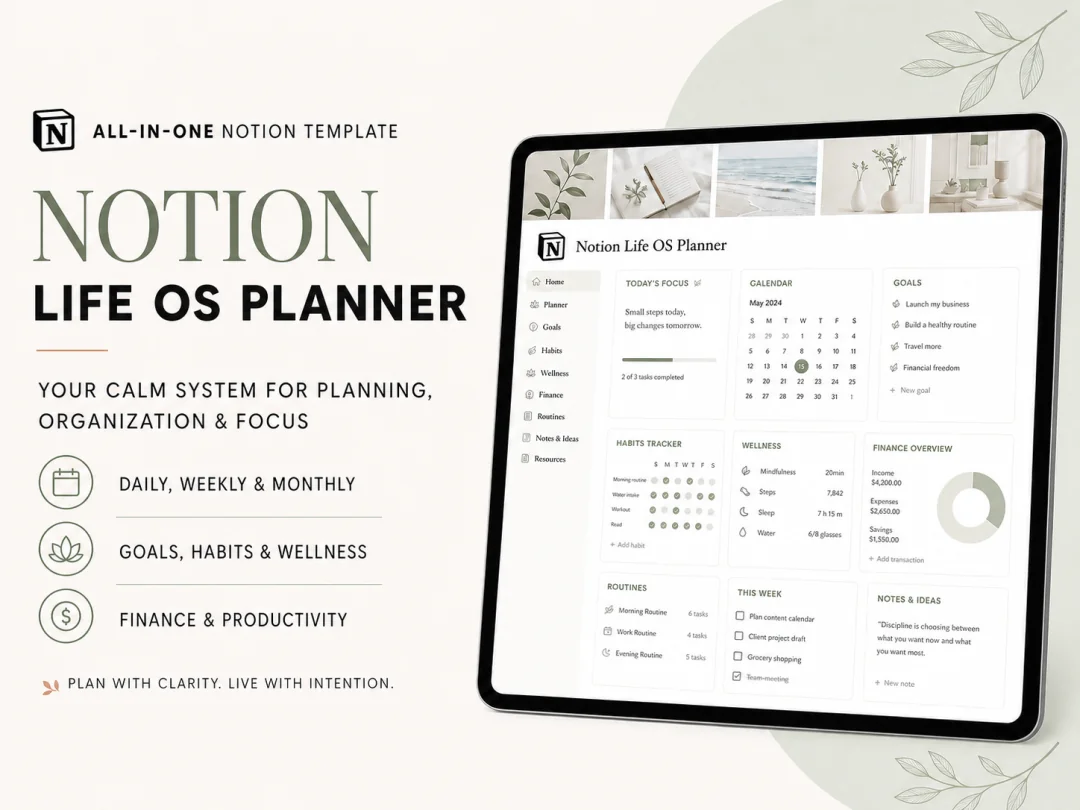
If you want to compare your own categories with a finished example, Notion Life OS uses five named areas in one workspace.
Think of the list as a way to direct attention. It should make it easier to see what is happening, what needs a decision and what connects to the rest of your week. Here is how to choose a set without building a taxonomy you will have to maintain.
Areas of Life at a Glance
The main difference between five, seven, eight, ten and twelve areas is how much detail you want to see at review time.
| Size | Useful when | Common trade-off |
|---|---|---|
| 5 areas | You want one compact dashboard | Several topics share a label |
| 7 areas | You want a little more separation | Some boundaries stay personal |
| 8 areas | You are using a Wheel of Life exercise | The categories may not match your current responsibilities |
| 10 areas | You are comparing a broad framework | More labels to maintain in a personal workspace |
| 12 areas | You need fine-grained tracking | Small categories can become empty or repetitive |
Treat the table as a design choice, not a ranking. Combine two labels when they lead to the same review question and action. Split one when it contains responsibilities you handle in different ways.
Why Do Lists Have Different Numbers?
There is no single official list of areas of life. Frameworks group topics to serve the exercise they were made for, so their category counts are not competing answers to one scientific question. The Canadian exercise recommends choosing eight areas and revisiting the wheel periodically, while ONS maintains ten domains for population measures.
The Canadian School of Public Service describes a Wheel of Life exercise that asks the reader to select eight areas from a longer menu. Its examples include achievements, career, family, leisure, health, finances, relationships and personal growth. It also says balance is personal and invites people to rename an area.
The UK Office for National Statistics uses ten domains in its national well-being framework. Those domains include health, relationships, where people live, personal finance, education and skills, and the environment. That is a way to measure population-level conditions, not a required checklist for your Notion workspace.
Ask what the labels need to do. A reflection exercise may separate relationships from family. A task database may keep both under Lifestyle until they lead to different actions or reviews.
How Can You Choose Your Own Areas?
Choose categories from recurring responsibilities, not from a list you found online. The goal is to give important tasks a home and make a weekly or monthly review easier to read.
Try this short pass:
- Write down the things you check, plan or maintain in a normal month.
- Group items that lead to the same kind of review question.
- Give each group a short name you would recognize in a task list.
- Look for items that do not fit, then decide whether to rename or split a group.
- Keep the categories for a few weekly reviews before adding more.
For example, “I need to book a check-up” and “I want to track my walking routine” might sit together under Health & Fitness. “Renew the home insurance” and “replace a kitchen light” might fit under Lifestyle. These are sample classifications, not a prescribed set of life areas. A life area is an ongoing part of your responsibilities, while a goal has a finish line and a task is the next action.
An area should describe something ongoing. A move, a 10K race or paying off one bill is a project or goal inside an area. This distinction keeps your categories stable while the tasks change. If you want the larger system context, this introduction to a Life OS shows how areas can sit beside planners and a master to-do list.
What Might a Seven-Area Set Look Like?
A seven-area set is one workable middle ground when five groups feel broad and twelve feel like too much sorting. The labels below are a sample, not a standard: Health, Relationships, Home, Work, Finances, Growth and Recreation.
Use them only if they separate decisions you actually make. “Health” might hold an appointment and a walking habit. “Relationships” might hold a reminder to call a relative. “Home” might hold upkeep. If you do not track one of those parts of life, you do not need an empty category just to reach seven.
The labels can also change by season. Someone planning a move may need Home and Finances separated for a few months. When the move is complete, those responsibilities may fit back into a smaller set. A system can become simpler again.
Keep one rule for the test: a category earns a place when it changes where an item appears or what question you ask during a review. If it does neither, it is probably a heading you can remove.
How Do Five Areas Work as One Set?
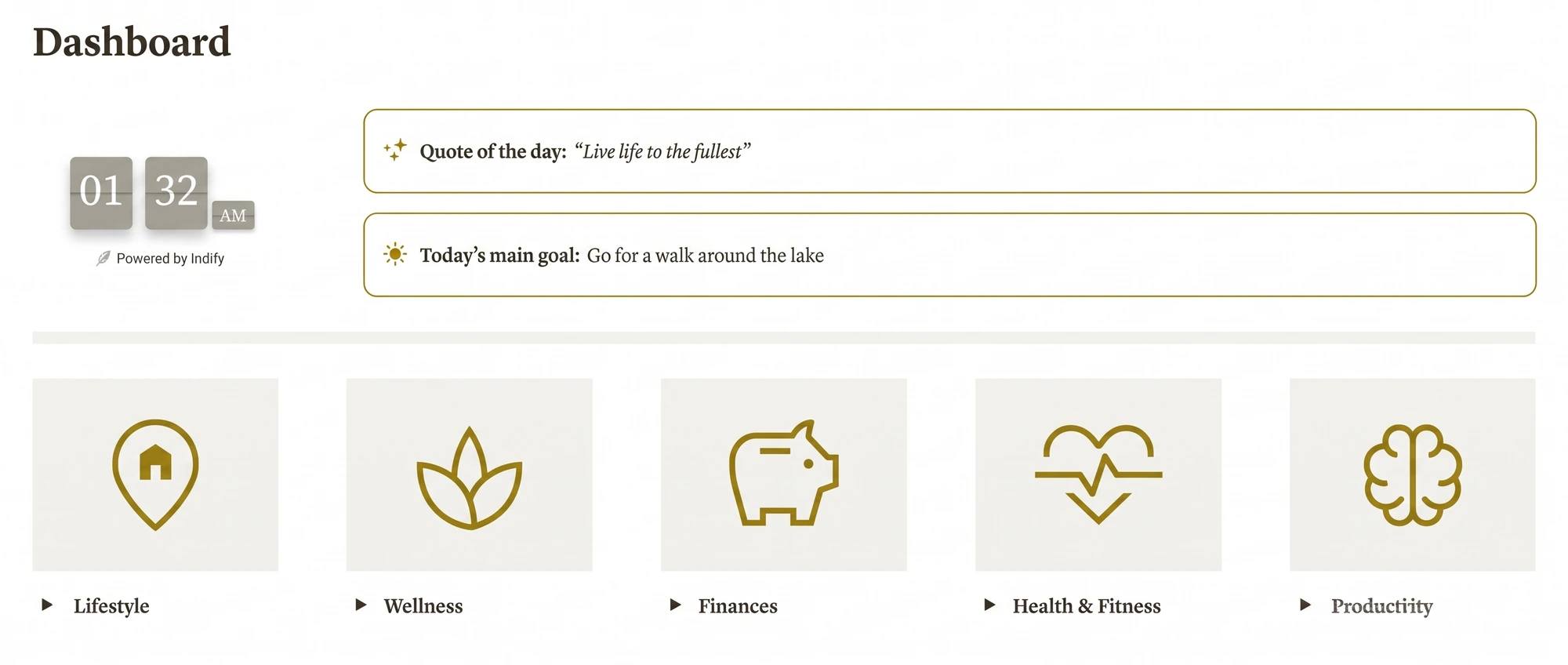
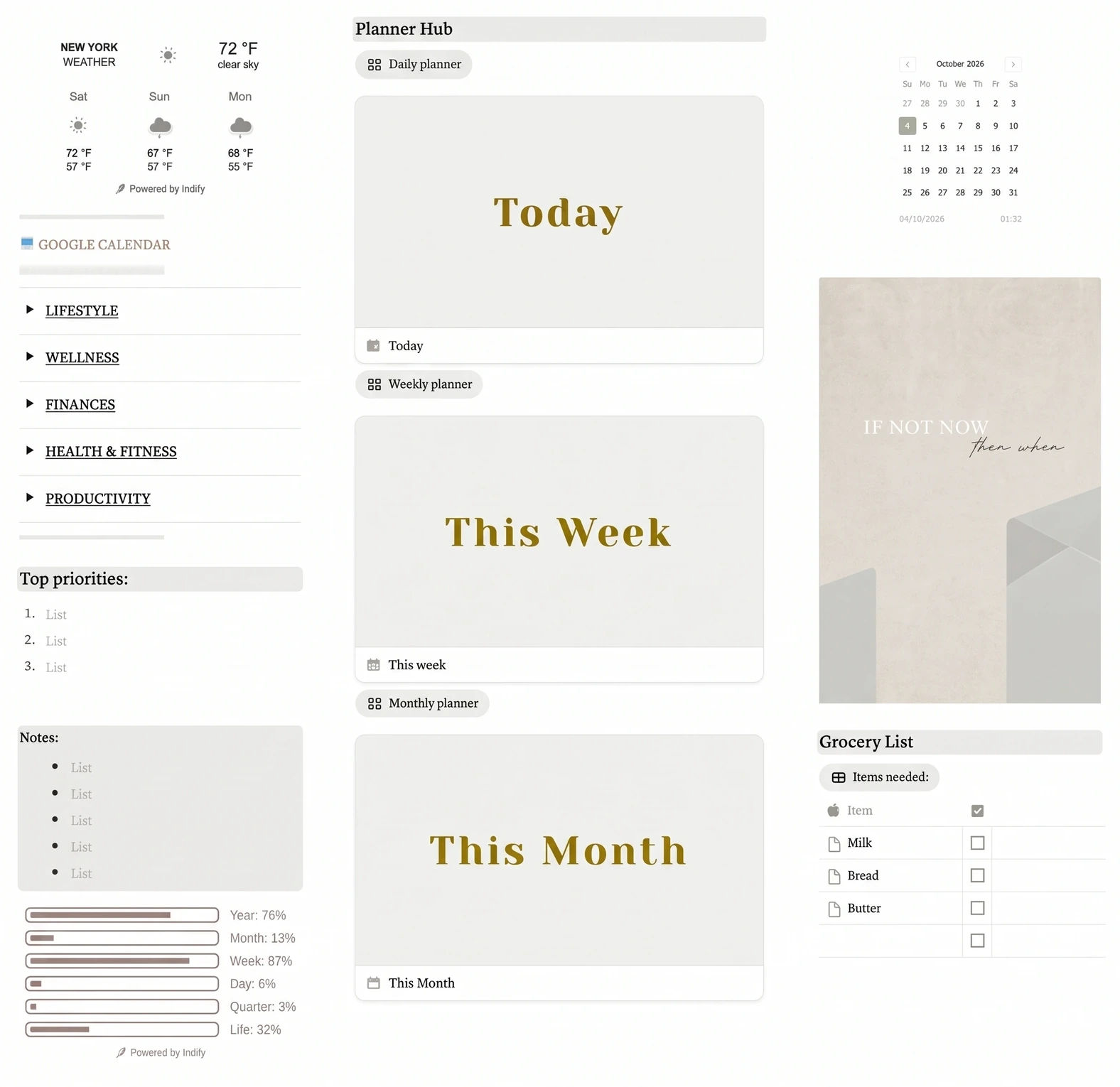
Five areas can be enough when each one gives related responsibilities a shared place. The Notion Life OS template uses Lifestyle, Wellness, Finances, Health & Fitness and Productivity.
You can use the five names as a starting set, even if you later rename or remove one.
| Area in Notion Life OS | Example item to file there | Review prompt |
|---|---|---|
| Lifestyle | A recurring home or personal errand | What needs attention in daily life? |
| Wellness | A routine you want to keep visible | Which routine needs a simpler plan? |
| Finances | A bill reminder or money task | What date or decision is coming up? |
| Health & Fitness | An appointment or movement habit | What is planned, and what needs follow-up? |
| Productivity | A work or personal task | What is the next action, and when is it due? |
These are sample classifications for the article. They do not add pages or features to the template. The point is to start with the five existing labels, then notice where your real tasks make the grouping awkward. A goal is a result you want to reach; an area is the ongoing part of life where that result belongs.
How Do Areas Connect to a Weekly Review?
An area becomes useful when it helps you see a next action or a question at the right time. A label alone does not improve a plan. A review that reads the labels can.
The five-area Notion Life OS workspace gives those labels a place beside tasks and planning pages, but you can use the same review idea with your own setup.
Imagine a sample week with these items: one bill due Friday, two walks you want to schedule, three home errands and a work task waiting on someone else. Your review can group the items by area, then ask what needs a date, what can wait and what needs a follow-up. You are using the categories to make a decision, not to score how well you are living.
If all five items appear in one unfiltered list, the area labels still help you scan the list. If you use a Notion database, an Area select property can label each row, and a view can filter or group rows by that property. Notion's database properties guide explains select properties, while its views and filters guide describes ways to display rows by property. A database view is a saved way to display records from the same database.
One practical chain looks like this:
| This record | Area label | What the review can do |
|---|---|---|
| Bill due Friday | Finances | Check the date and mark the next action |
| Walking habit | Health & Fitness | Notice whether a day needs rescheduling |
| Home errand | Lifestyle | Group nearby tasks into one block |
| Work follow-up | Productivity | Set a reminder or wait for a reply |
This is a sample workflow, not a claim that every Notion Life OS page uses this exact database configuration. Compare the rules behind your categories as well as the labels.
When Should You Split or Combine an Area?
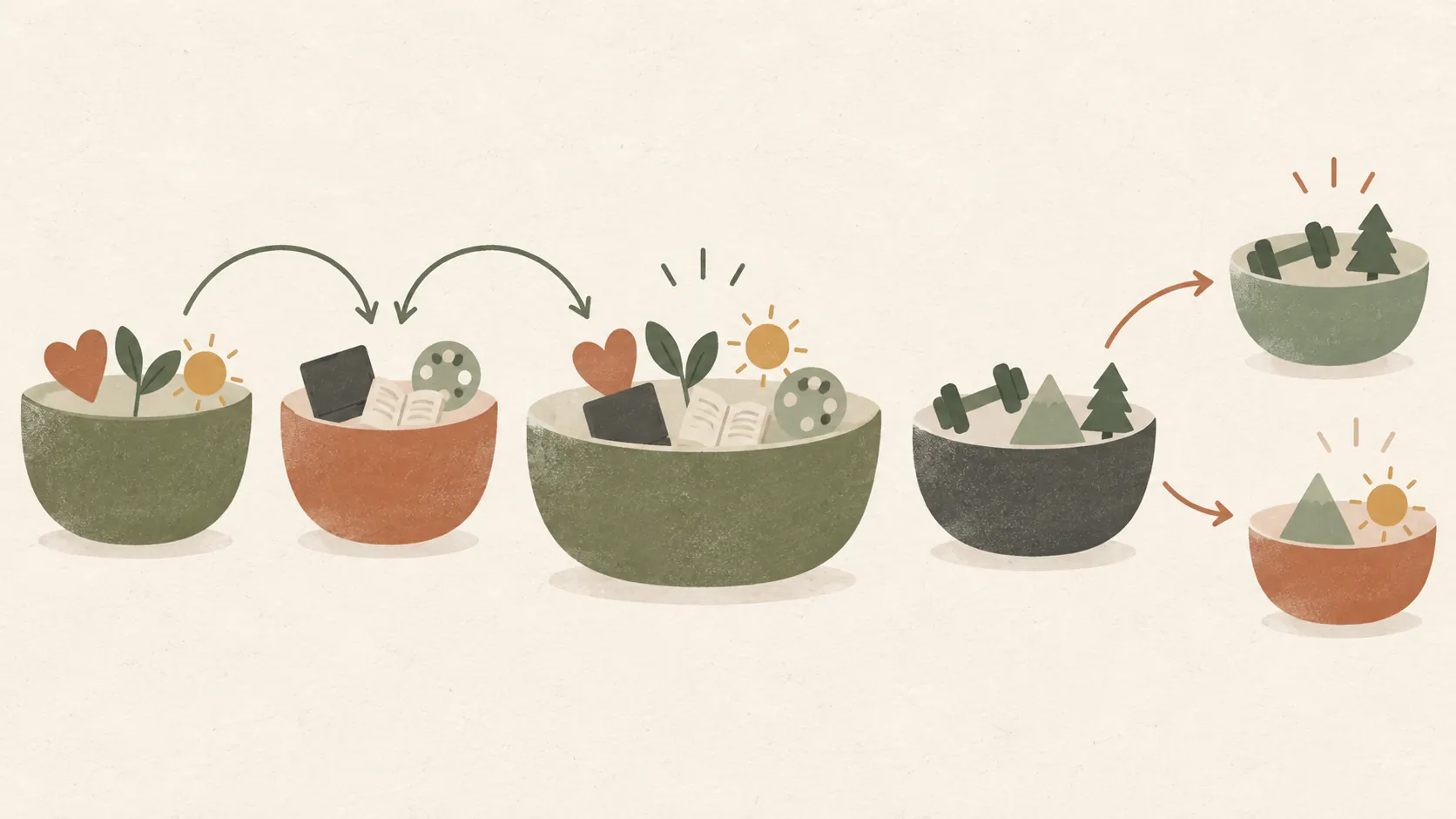
Split an area when one label holds responsibilities that need different reviews. Combine areas when they lead to the same question and you keep switching between them without gaining clarity.
For a split, look for repeated friction. Maybe Finances holds both monthly bills and a long-term savings goal, and you need separate dates and reviews for each. You could keep one area and create two views, or split it if the distinction changes how you plan. A new label alone will not solve a workflow problem.
For a combine, look for empty or duplicate labels. If Wellness and Health & Fitness both hold the same two habits and you review them together, a single label may be easier. Keep the distinction only if it helps you make a different decision.
Do not score each area or use the categories as a judgment of your worth. The Wheel of Life is a reflection exercise, and the Canadian public-service guide frames its ratings as personal satisfaction. Its activity suggests repeating the exercise periodically, but a task workspace has a different job: help you remember and review commitments.
How We Made and Checked This
We are Cosmo Suite, the company that built and sells Notion Life OS, so we have a stake in describing its categories. Its delivered template uses five names: Lifestyle, Wellness, Finances, Health & Fitness and Productivity. The examples and task groupings in this article are sample classifications, not product screenshots or claims about additional template pages. Read our About page and editorial policy for company and review details, or contact us about a correction.
We compared the Government of Canada's Wheel of Life job aid and the UK Office for National Statistics framework. The former is a personal reflection exercise; the latter measures national well-being. Neither sets a universal personal taxonomy. The ONS framework was reviewed in 2023; Notion's help pages were checked for database properties and views on 16 October 2026.
Where Does Notion Life OS Fit?
If choosing categories is the hard part, begin with a small set and adjust it after a few reviews. Notion Life OS gives you five named areas, a central dashboard, daily, weekly and monthly planning pages, a master to-do list, events, a weekly habit tracker and a monthly calendar.
The template is not the only way to organize those parts. A confident Notion user can build a similar workspace. The value is having a ready-made starting point with the listed pages and views in one place. See the Notion Life OS workspace and its five-area setup if you want to inspect the product details.
Keep only the labels that help you see a responsibility and decide what to do next. If you want the same area labels to feed an end-of-year reflection, use a personal year-in-review template as a prompt for what to keep, change or combine.
If you start with the five areas already in Notion Life OS, leave them as they are for the first few reviews. Then rename, hide or split only the categories that create repeated confusion. The right count is the one you can use without managing the categories as a separate project.
Frequently asked questions
What are the 7 areas of life?
There is no single official set of seven. A useful starter list is health, relationships, home, work, finances, growth and recreation. Rename or combine categories so they match the parts of your life you actually manage.
What are the 8 areas of life in the Wheel of Life?
The Government of Canada's Wheel of Life activity asks you to choose eight areas from a longer list. Its examples include career, family, health, finances, leisure and relationships. The names can change to fit the person using it.
Should I use 5, 7, 8, 10, or 12 areas?
Start with five if you want a compact workspace, or use more when separate categories change what you review. The number itself does not make a system complete. Keep a category only when you can name something that belongs there and a next action it helps you see.
Can I change my areas of life later?
Yes. Treat the labels as working categories, not permanent identities. If one area stays empty, combine it with a related area. If unrelated tasks keep landing together, split it at your next review and move only the active items.
How are areas of life different from goals?
An area is an ongoing part of life, such as finances or health. A goal is a result you want within an area, such as building an emergency fund. A task is the next action. Keeping those three meanings separate makes reviews easier to read.
How do I use areas of life in Notion?
Add an Area select property to a task database, then create views grouped or filtered by that property. If you prefer a ready-made starting point, Notion Life OS has five named areas, a dashboard, planners and a master to-do list. You can remove areas you do not use.
Sources
Keep reading
Build Your Life OS
What Is a Life OS (And the One Thing That Decides Whether It Works)
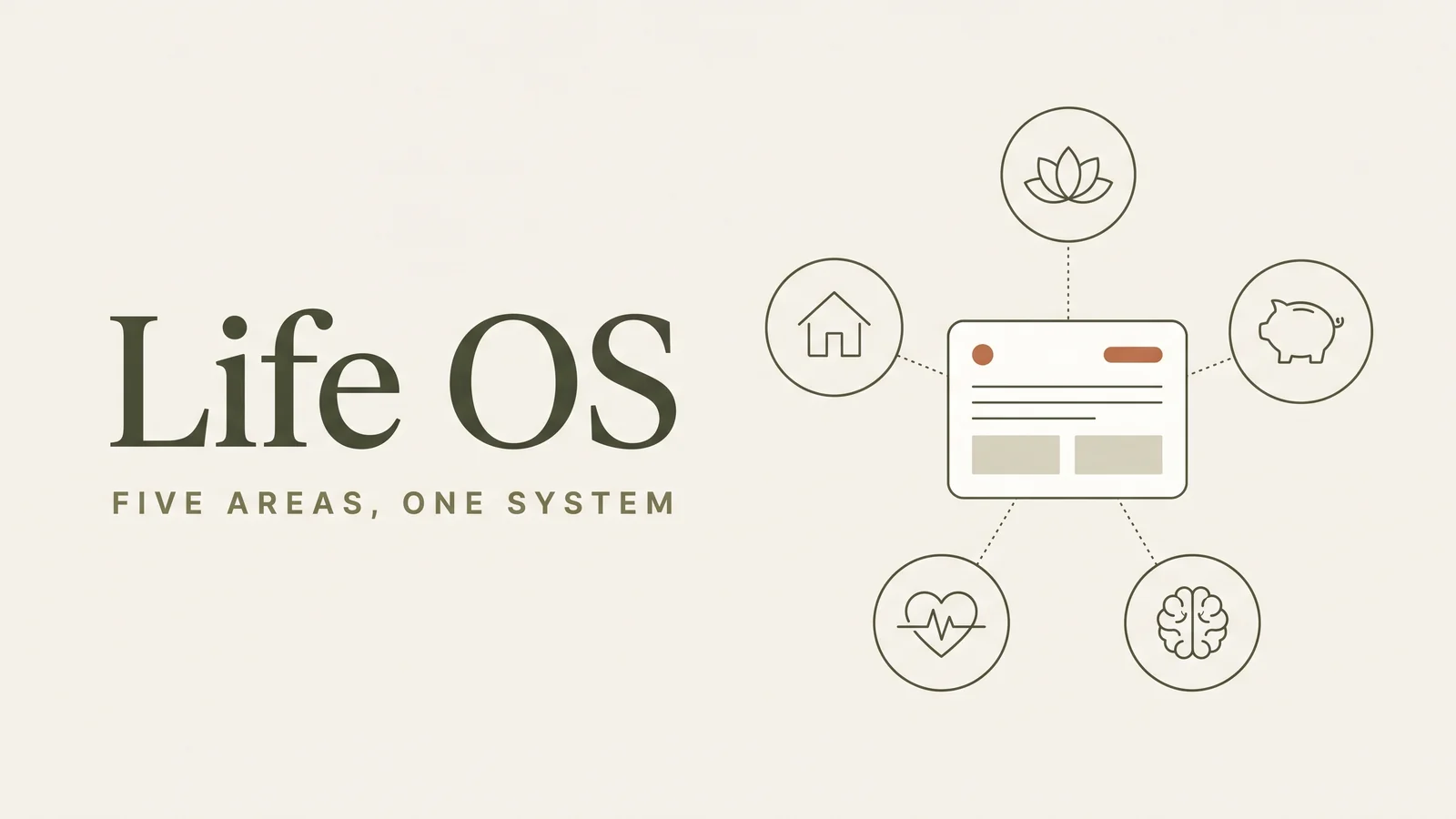
Life OS means one workspace where your areas of life, tasks, events and habits feed each other. See how the pieces connect and the one test that decides it.
· 8 min read
Build Your Life OS
Notion Progress Bar: Track Goal Steps With a Rollup
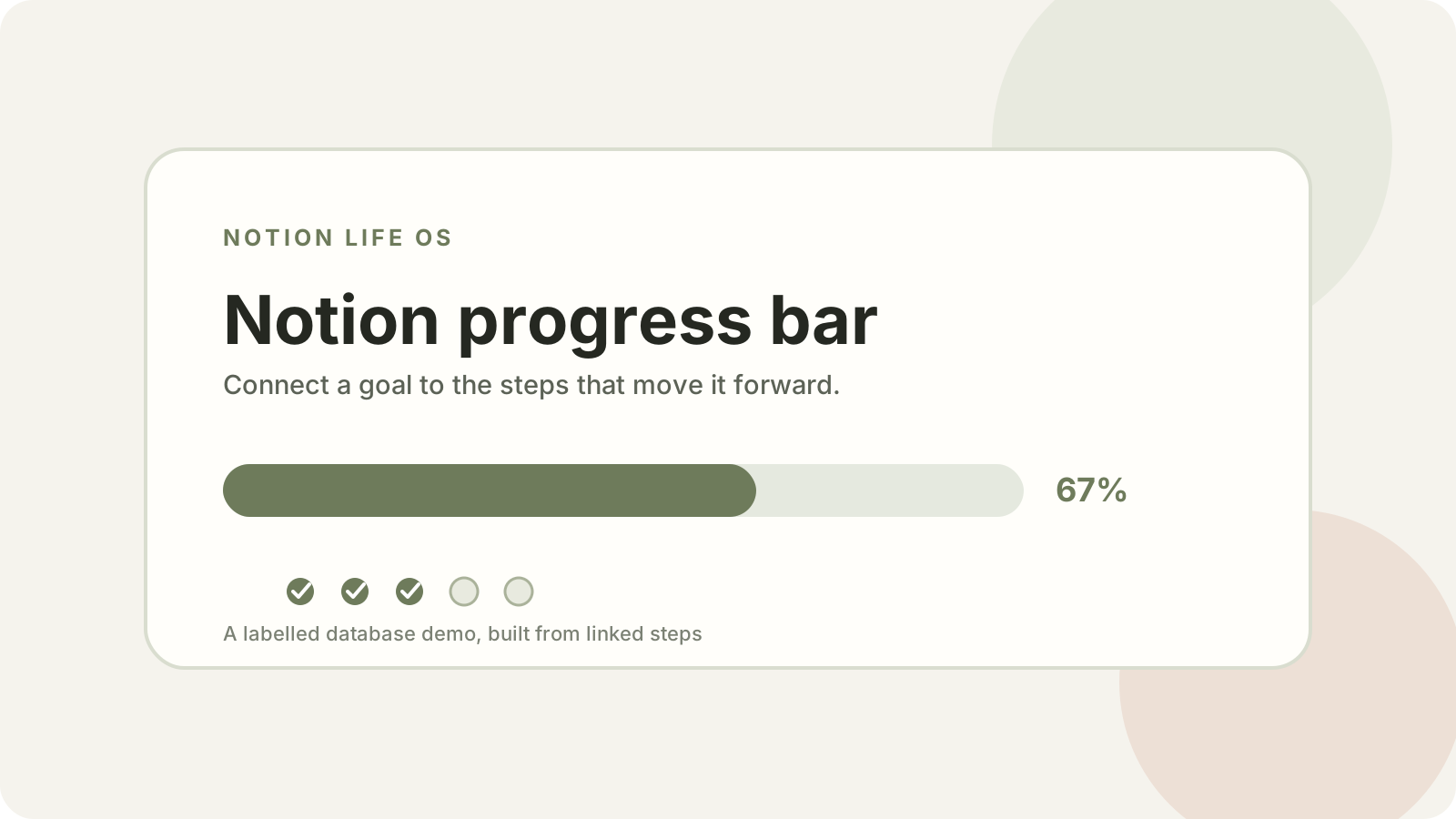
notion progress bar: connect goal steps, a completion rollup, and a formula to see what is done. Follow a labelled demo, then adapt it to your workspace.
· 8 min read